Never run out of words
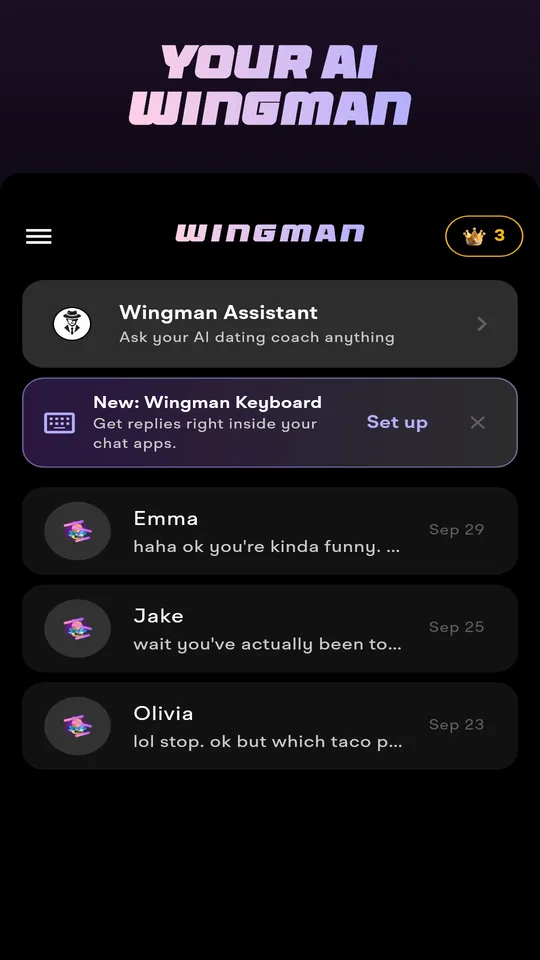
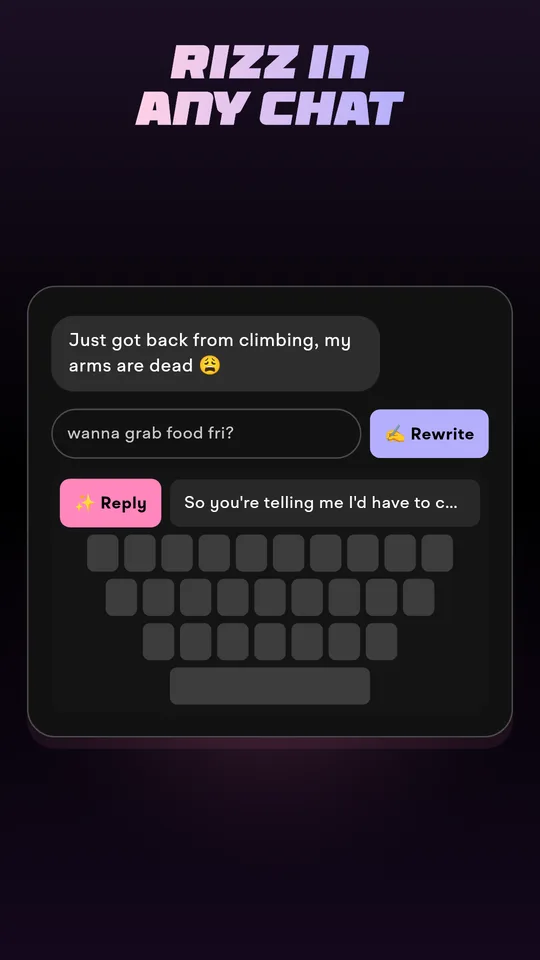
Drop in their message or a screenshot of the chat. Wingman writes the reply in your style — charming, romantic or playful — and tells you what to do next.
Mia
Just got back from climbing, my arms are dead 😩
So you're telling me I'd have to carry you to dinner? Deal 😏
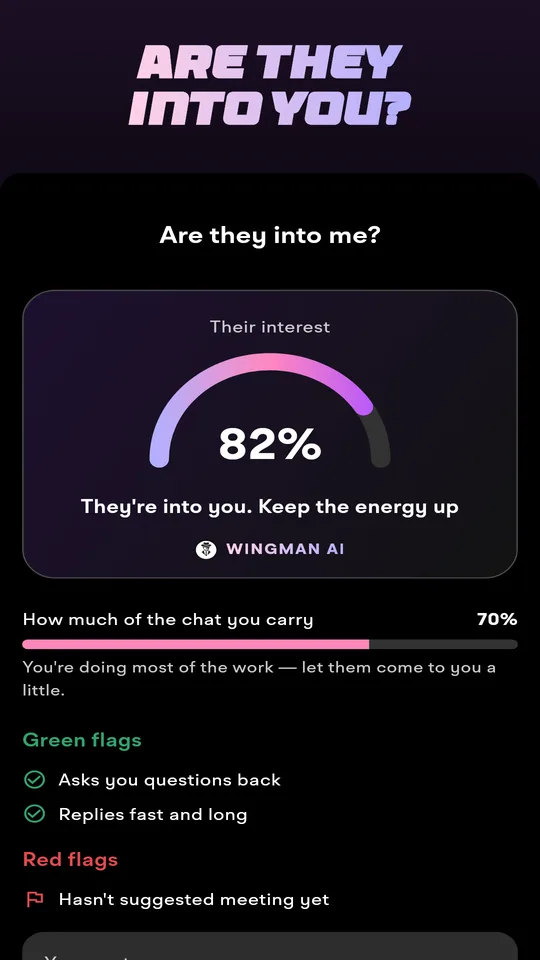
From their message to a date
Your chats stay on your phone
Conversations are saved on your device. Screenshots and messages you send for a reply are processed and not kept.
No account needed
Open the app and start. Erase everything any time in Settings → Delete my data.
No ads
Free to try with credits, Premium for unlimited replies. Cancel any time in your store account.